Mom Tested, Mom Approved: How the Skylight Calendar Changed My Family’s Approach to Organization

…and diminished my mental load

skylight
Rachel Bowie

When it comes to my family’s (one husband, two kids) organization, I’ll admit: I’m a paper calendar gal all the way. But there’s one problem with that approach—writing it down commits it to memory for me and me only. Over the years, I’ve found that a digital (read: shareable) method is required for visibility, but more importantly, accountability. (It’s also the only chance at truly diminishing mom’s mental load.)

That’s why the Skylight Calendar intrigued me. At first, when I saw a cool mom friend celebrate the device’s debut on her kitchen countertop with an enthusiastic unboxing video, I scoffed: A bit over the top… But then, curiosity took hold: Was this a device that could finally solve family organization once and for all? I decided to try it out.

skylight
Skylight

First Things First, What Is the Skylight Calendar?

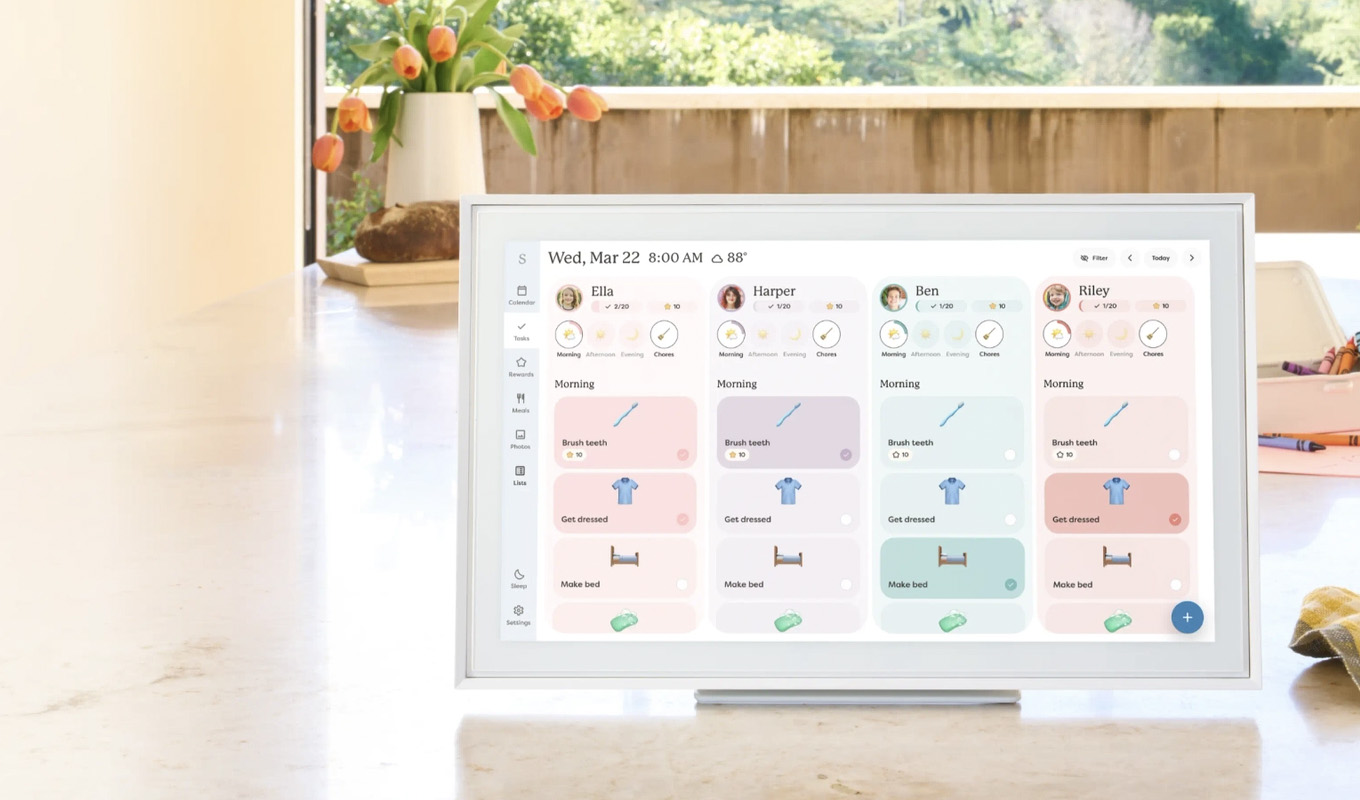
At first glance, it’s a color-coded fantasy—a “smart” scheduling hub that’s equipped with a touchscreen and an organizational approach that serves as a catch-all for every aspect of family life. In other words, there’s a place for scheduling, meal planning, to do lists, even photos. You can add items via the tabletop display in your kitchen or via an app. (Each entry then updates in real time creating a life solve for busy families who are desperate to track everything from who’s handling after-school pickup to soccer practice and school spirit days all in one place.)

My Favorite Features

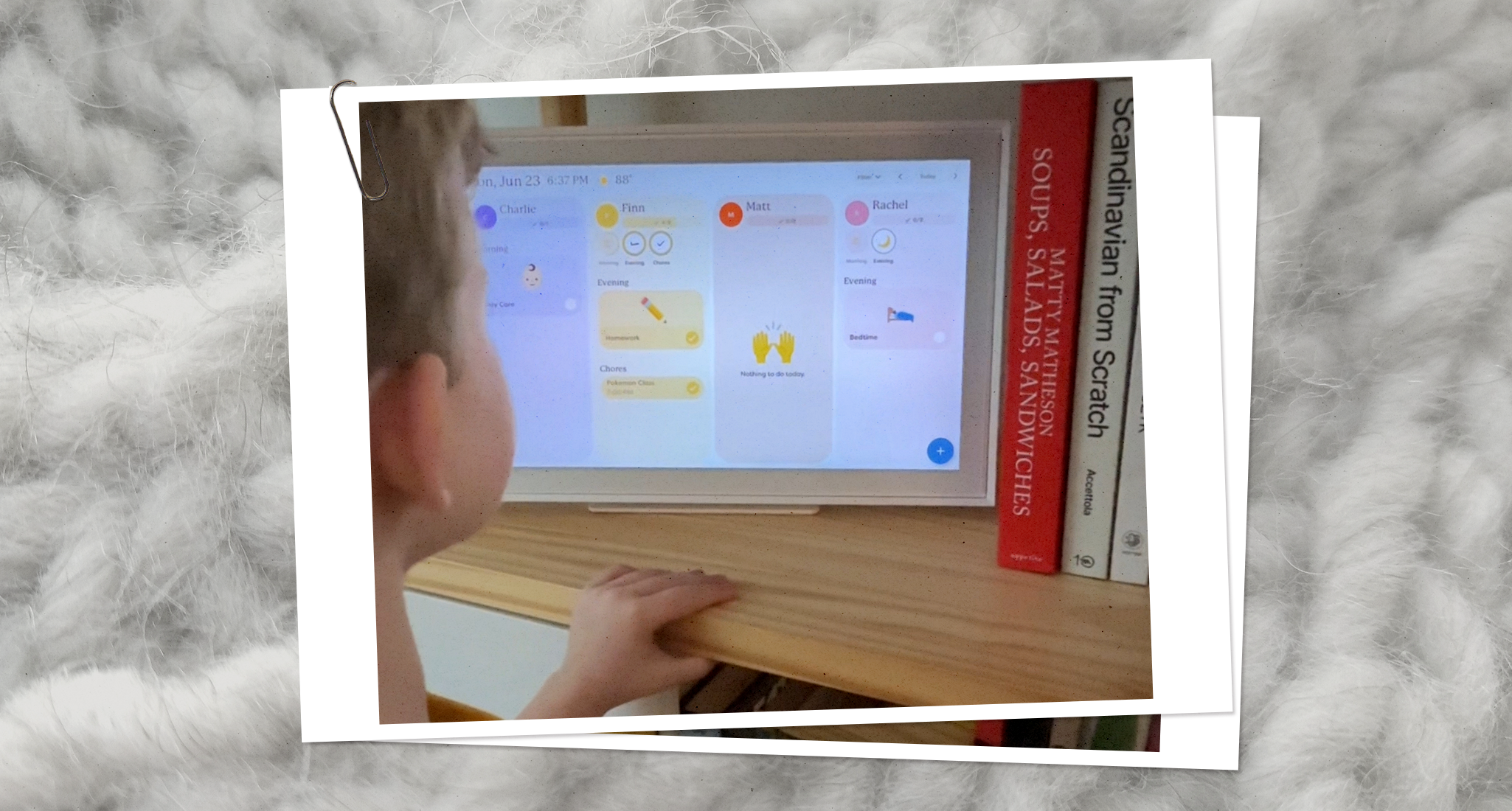
I already mentioned this one, but the touchscreen. The Skylight Calendar is available in three different sizes (10-inch, 15-inch and 27-inch). The version I tested is the 15-inch, but even at that more medium size, I was impressed at how quickly my 7-year-old figured out how to navigate it. The touchscreen is a huge reason it’s so easy. He loves nothing more than assigning emojis to each item on his to-do list, then ceremoniously checking them off.

Other standout features to love include the easy setup. To get started, all you really have to do is download the app, create a login and you’re good to go. The Skylight also seamlessly syncs with other calendars, so you can integrate everything from Outlook to your Google Calendar within the device. (It’s worth noting that this syncs from multiple calendars if you want it to, an action that’s incredibly time-saving.)

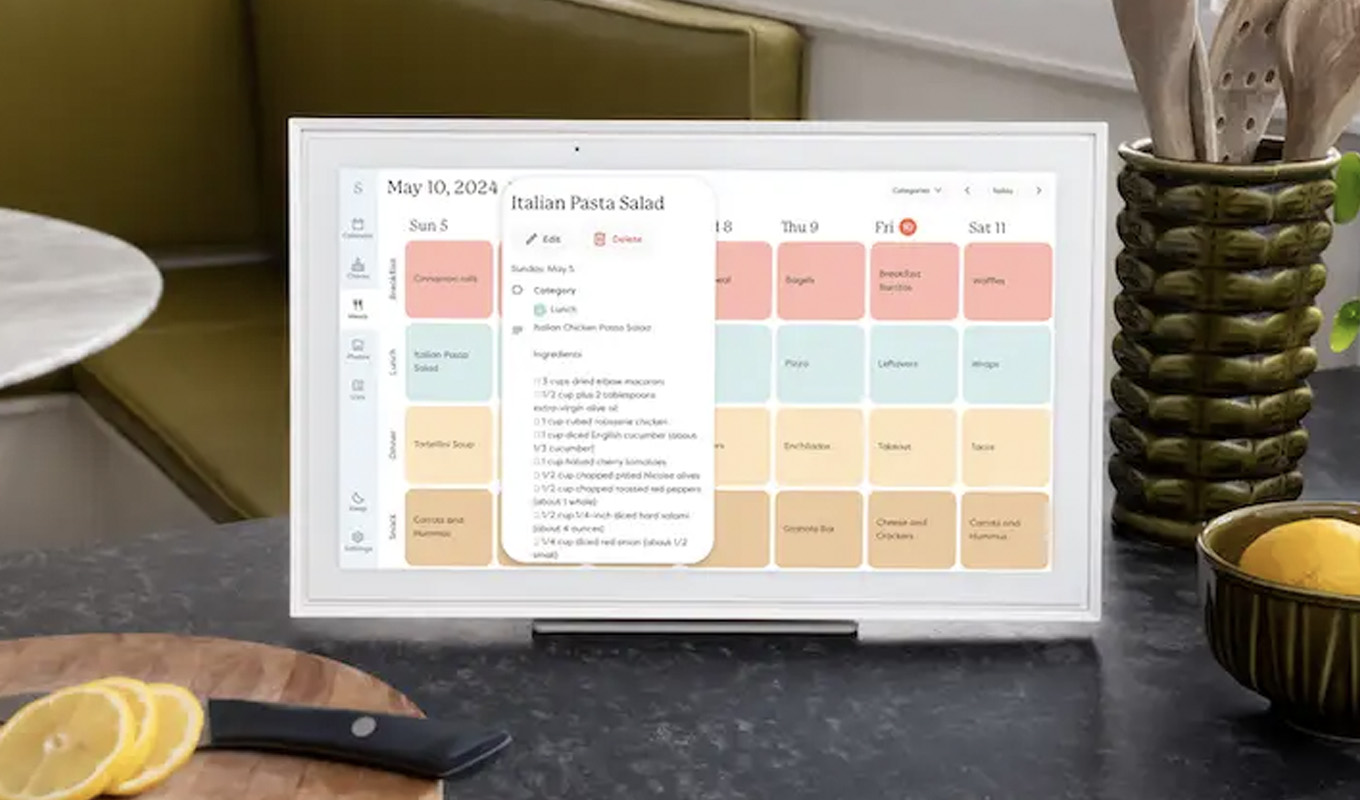
The calendar view is color-coded by family member, which is helpful when you want to get a view of everyone’s schedule at a glance. It also showcases the daily weather and—via the Plus Plan, which comes with an added fee—allows for use as a meal planning tool (you can even upload recipes), which has been one of my favorite features.

Also with the Plus Plan comes the ability to use the Skylight as a digital photo frame. (Who doesn’t love having photo favorites in a slideshow format as a screensaver?)

My Experience Testing It Out

It’s been six months since I set up the Skylight Calendar in my home and the most important part of its arrival has been that everyone reaches for it and feels savvy enough about the interface. One of the biggest challenges of other tools we’ve tested—Trello, a shared Google cal—is out of sight, out of mind. The Skylight takes up physical space in the way an oversize wall calendar would have. That is enough to cue everyone to regularly use it.

We mainly use it the calendar and meal planning features, but my 7-year-old loves using it to track his to-do list. Yes, he enjoys adding items of varying necessity (everything from “kick around the soccer ball” to “do homework”), but gets a thrill out of checking each one off. (Did I mention that beyond general family organization, the Skylight absolutely helps with teaching executive functioning skills?)

Even more important, it enables me to cue my husband—who has long felt left out and missing information when it comes to my paper calendar methods—to take more of a lead on family logistics. (As the cook in our family, he especially loves the meal planning and Magic Import feature, which allows him to upload recipe ingredients with the snap of a photo.)  

The Only Downsides

Beyond the cost of the calendar, the Plus Plan requires an additional investment of $39/year. I feel it’s worth it since we use the meal planning feature so frequently, but it’s worth considering. Some parts of the interface are a bit clunky. For example, when my son is trying to add an emoji to his tasks, he has to scroll through all of them to find what he wants vs. being able to type a theme into the search bar. Finally, a Wi-fi connection is required…but so is a plug. (That was a big reason why we didn’t invest in the larger size since we couldn’t find an area in our kitchen that was big enough to hang the frame that was also next to an outlet.)

skylight meal planning
Skylight

Bottom Line

The Skylight calendar is an investment worth making for overall organization, but also for parents who are looking to simplify logistics while also encouraging a bit more task ownership from their kids. In my test, both missions were accomplished. Mental load=reduced.


rachel bowie christine han photography 100

Senior Director, Special Projects and Royals

  • Writes and produces family, fashion, wellness, relationships, money and royals content
  • Podcast co-host and published author with a book about the British Royal Family
  • Studied sociology at Wheaton College and received a masters degree in journalism from Emerson College